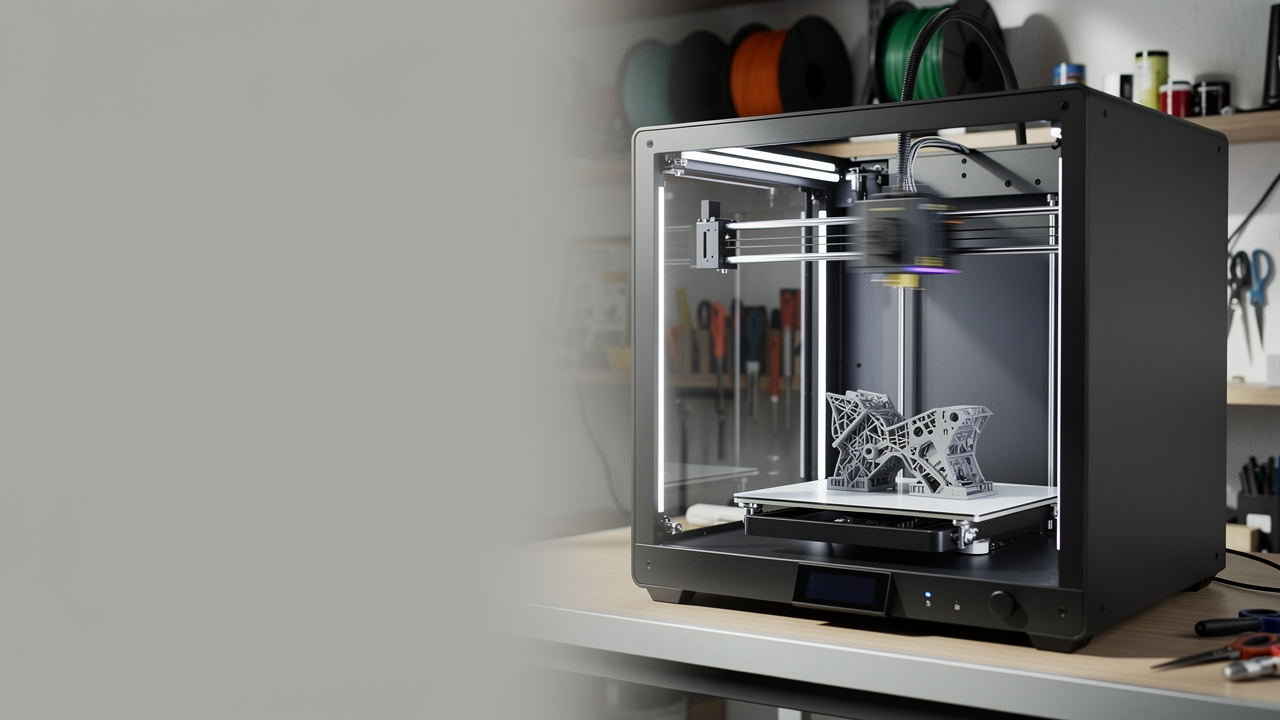
Why Is Bambu Studio 2.8 Getting Attention? How an Automatic Assembly Guide from a STEP File Could Affect the 3D Printing Workflow
Bambu Studio 2.8 focuses on a problem that many users only notice later in multi-part 3D printing projects: explaining how to assemble the parts in the right order takes time, just like printing them does. Bambu Lab’s 2.8.2 Public Release notes dated August 14, 2026, and the 3Druck report dated August 19, 2026, show that the new version can generate an automatic assembly guide from a STEP/STP file. At first glance, this may look like nothing more than a software convenience; but in fact, it addresses an important bottleneck in prototype, small-batch kit, and multi-part functional product workflows.
In particular, in a product made up of covers, a body, connectors, and fastening elements, the post-print process is often overlooked. Even if the parts are printed correctly, if the assembly order is not clear, trial and error takes longer, and reprinting may become necessary because of incorrect guidance. For this reason, Bambu Studio’s ability to read part relationships directly from STEP data on the CAD side and generate a step-by-step guide can be considered a practical step forward in the desktop FDM ecosystem.
What exactly does the new feature do?
According to 3Druck, the new feature works with STEP/STP files, not STL. This distinction matters: the software can see not only the final surface geometry, but also the logic of the separate components that make up the assembly. As a result, it can create a parts list, organize the assembly order, and present the output in formats such as PDF, Markdown, or video-like formats.
This approach is especially valuable for designers who share ready-made models and for teams that circulate prototypes internally. That is because explaining how a part is assembled no longer remains a completely separate documentation task, but becomes part of the printing workflow itself. On the Ucuz3D side, when customers request a multi-part 3d printing service, having the assembly logic clearly defined from the start makes both the quotation stage and post-production use more organized.
Why does this matter not only for hobby users, but also for commercial production?
The real importance of this news lies in improving the workflow rather than the printer itself. Today, in many tools produced with FDM, the problem is not print quality; it is the inability to clearly explain to the end user or to another person in the workshop how the parts should be assembled. A STEP-based automatic guide could save time, especially for educational kits, service tools, knock-down products, and prototype iterations.
Another point is the cost of errors. When the assembly order gets mixed up, the job sometimes has to start over because of a broken clip, a wrongly opened hole, or a spacer installed the wrong way around. In the real world, that means not only machine time, but also labor cost. At Ucuz3D, when planning production, the logic of price per gram is important, but in many cases the overall picture is shaped by the human time you allocate after printing. A software step like this addresses exactly that hidden cost area.
What is the practical takeaway for Ucuz3D readers?
If you are developing a multi-part product, it is now becoming more critical to keep source files that carry assembly information organized, rather than sending only STL files. This news shows that the connection between file discipline and production discipline is getting stronger. If you want to look at the topic at a more basic level, STL, OBJ and 3MF: A Guide to 3D Printing File Formats can also be a useful companion.
This kind of development becomes more meaningful especially in the following scenarios:
- prototype enclosures made up of multiple parts,
- spare part sets sent into the field for service and maintenance,
- educational kits and assembled product demos,
- small-batch FDM products shipped to the customer in disassembled form.
In projects like these, not only getting the print done, but also ensuring that the delivered parts fit together correctly determines the perception of quality. If your design is multi-part and you want to clarify the process before moving into production, it may be a healthier approach to first see an early quote in the online 3d printing workflow and then include the assembly logic in the file structure as well.
Conclusion: a step that looks like a small software update, but has a big impact
The automatic assembly guide feature introduced with Bambu Studio 2.8 makes more sense in multi-part functional production than in single-piece decorative prints. The news shows that competition in the desktop FDM world is no longer advancing only through speed, volume, and number of colors; it is also spreading into post-print layers such as documentation and usability. If your product will be assembled after printing, the right file structure and a clear assembly order are no longer just technical details, but a direct part of product quality. For this reason, the Bambu Studio 2.8 update should be read not only as software news, but also as a sign worth paying attention to for a more organized prototyping and delivery process.


 Türkçe
 العربية
 Русский
 فارسی
فارسی Deutsch