Mainsail or Fluidd? Which Is the Better Choice for Klipper Interfaces?
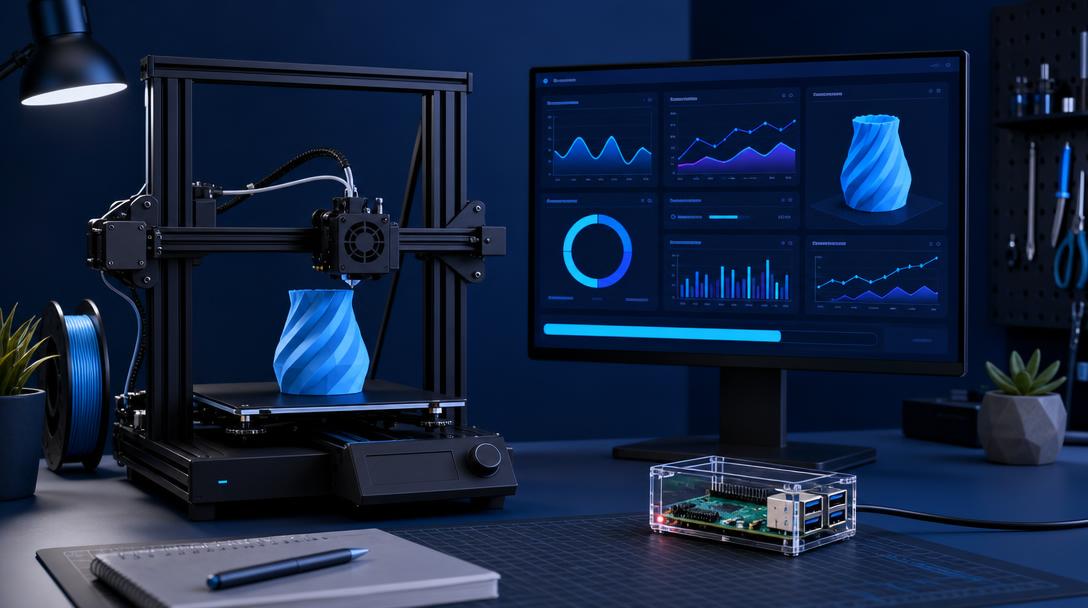
Mainsail or Fluidd? Both interfaces are powerful options for basic print control, file management, and machine monitoring on an FDM 3D printer using Klipper. Mainsail offers a simpler, Klipper-focused experience, while Fluidd can provide a more flexible workspace with detailed control options and various extensions.
What Are Mainsail and Fluidd Used For?
Mainsail and Fluidd provide the web-based user interface that Klipper firmware does not offer on its own. Running on a Raspberry Pi or a similar device, they allow you to connect to your printer through a browser, send G-code files, start and stop prints, and monitor sensor data.
These interfaces are more than just remote start buttons. You can monitor the bed and nozzle temperatures, view print progress, run macro commands, and quickly stop the printer in the event of an error. Therefore, the right choice depends on how often you use your printer and which information you want to see on screen.
Mainsail or Fluidd? Key Differences
- Mainsail: An integrated, simple, and fast interface for the Klipper ecosystem. It offers an easy-to-understand layout for users who want quick access to basic settings.
- Fluidd: A powerful option for users who want more detailed control and customization. It may offer more flexibility in terms of panel layout and how information is presented.
- Installation: Both options can generally be used with Klipper installation tools. For most users, the main difference is interface preference rather than print quality.
- Macros: Both interfaces can run macros for heating, bed cleaning, filament changes, and end-of-print procedures.
Which Interface Should Each User Choose?
If you are new to Klipper, Mainsail can be a good starting point thanks to its less complicated screen layout. Temperatures, fans, motion controls, and print files are easy to find within the same workflow. Users who want to manage multiple printers or continuously monitor detailed status information may prefer Fluidd’s more comprehensive panel-based approach.
However, the interface alone does not improve print quality. Quality is primarily determined by mechanical maintenance, bed leveling, flow calibration, speed, temperature, and the condition of the filament. Preparing the correct printer.cfg file for your printer during the Klipper installation is also critical. Incorrect axis measurements or speed limits can cause print problems regardless of which interface you choose.
Why Does This Matter in the Ucuz3D Printing Workflow?
Remote monitoring and macro usage can save time, especially in repeated FDM production jobs. When producing multiple copies of the same part, keeping print files organized, monitoring temperatures, and following a checklist before each print can deliver more consistent results. If you need a professional part or prototype instead of updating your printer yourself, you can share your project through the FDM 3D printing service.
To better understand the background of firmware selection, you can also read the Klipper and Marlin comparison guide. When you need production support for a specific part, you can communicate your technical requirements by requesting a fast 3D printing quote.
In summary, Mainsail is a sensible choice for a simple and straightforward Klipper experience, while Fluidd is a good option for those seeking more detailed control and customization. In both interfaces, a properly configured printer and regular calibration have a greater impact on the result than the interface you choose.



 Türkçe
 العربية
 Русский
 فارسی
فارسی Deutsch