Free 3D Modeling Software: From Tinkercad to FreeCAD
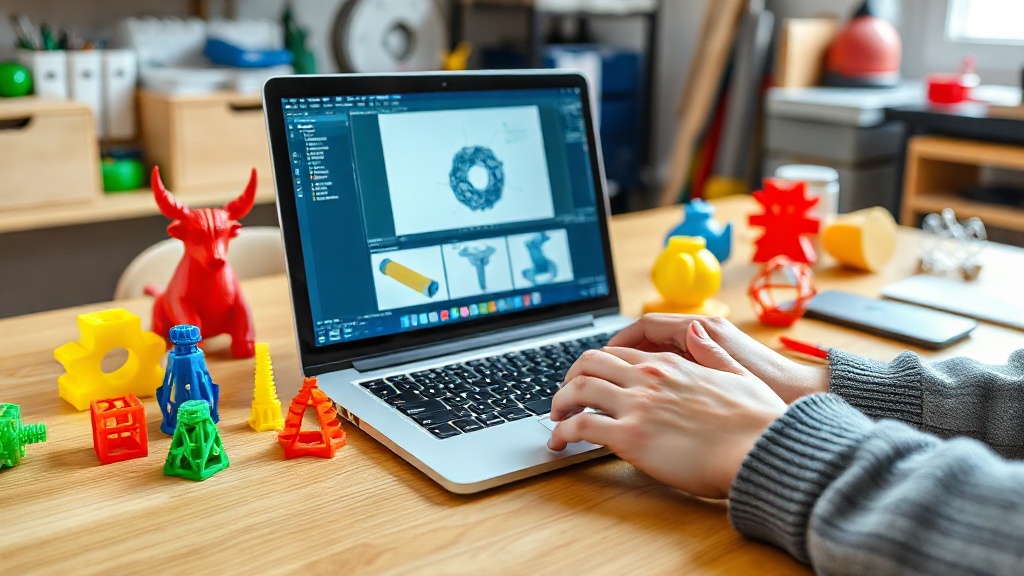
You don’t need expensive software to start designing in 3D. Tinkercad, with its free browser-based tool, can be learned in just 10 minutes; by combining basic geometric shapes you can design surprisingly functional parts.
One step further is FreeCAD: a fully open-source, parametric CAD application where the entire model updates whenever you change a dimension. For organic forms and sculptural models, Blender is free and extraordinarily powerful. Onshape offers professional browser-based CAD completely free for hobbyist users.
Our recommendation: start with Tinkercad for mechanical parts and then move on to FreeCAD or Onshape, and learn Blender for artistic work. Tutorial videos in multiple languages are available for all of them.

Recent Posts

 Türkçe
 العربية
 Русский
 فارسی
فارسی Deutsch