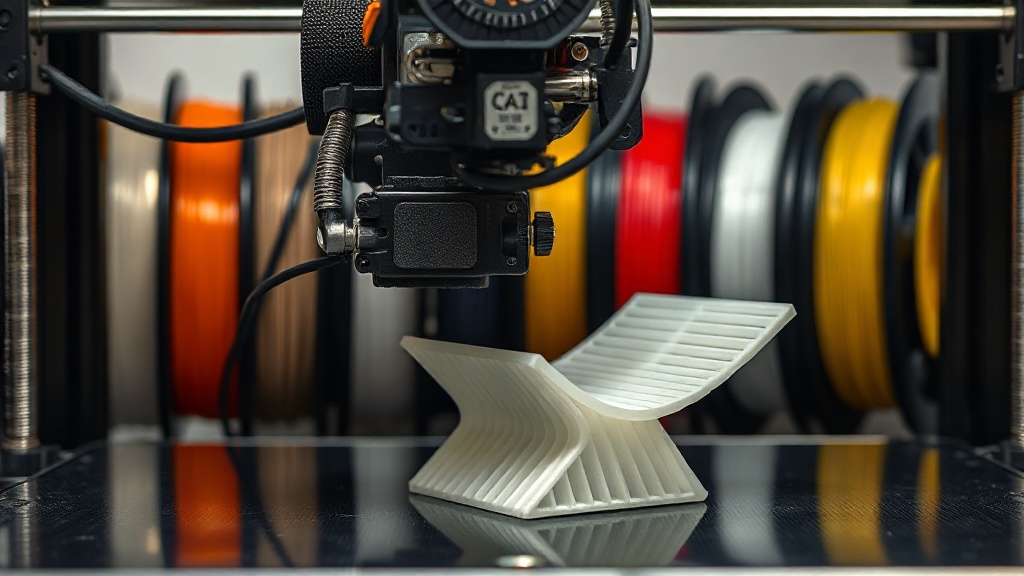
Cooling Fan Settings: How Much Fan Should You Use for Each Material?
The cooling fan is one of the most frequently misused settings in FDM printing. Many people assume that “the more airflow, the better,” but the correct fan setting depends entirely on the material you are using. A wrong cooling decision can cause warping in some materials, and in others it can prevent layers from bonding properly, leading to cracking.
What Does Cooling Actually Do?
The fan rapidly solidifies the molten plastic coming out of the nozzle, helping it hold its shape. This is critical for fine details, bridges, and overhang areas. However, that same rapid cooling weakens the fusion between layers. Cooling is therefore always a balancing act: surface quality versus part strength.
Recommended Fan Ranges by Material
The values below are general starting points; fine-tuning may be needed depending on your printer and part geometry:
- PLA: Can comfortably run up to 100%. PLA loves rapid cooling, and maximum fan speed produces the cleanest surfaces.
- PETG: 30–50% is ideal. Excessive fan seriously weakens layer adhesion; it can be increased temporarily for bridges.
- ABS and ASA: 0–20% if possible. These materials crack and delaminate under rapid cooling; an enclosed enclosure is preferred.
- TPU (flexible): 20–50%, combined with a slow print speed. Excessive cooling can cause clogs with flexible filaments.
- Nylon (PA): Generally very low or off; moisture and rapid cooling are nylon’s biggest enemies.
Don’t Forget the First Layer
Regardless of the material, turning the fan completely off for the first 1–2 layers is good practice. This ensures the part adheres strongly to the bed and reduces the risk of warping. Most slicers have a dedicated “first layer fan speed” field for this.
Practical Tip: Temporary Boost for Bridges
Even with a low-fan material like PETG, it makes sense to temporarily increase the fan for bridge and overhang areas. Modern slicers can do this automatically with settings such as “bridge fan speed,” giving you clean bridges without sacrificing strength.
If you are not sure which material suits your project, we can evaluate the material choice together and you can review our production pricing. We are here to ensure your print comes out both beautiful and durable with the right material and the right cooling — just send us your design.



 Türkçe
 العربية
 Русский
 فارسی
فارسی Deutsch