Why Is the PrusaSlicer 3.0 Preview Important? Multi-Bed and Offline Workflow Are Being Revamped in FDM Printing
On September 1, 2026, Prusa Research announced the PrusaSlicer 3.0 preview. This version is not yet a finished stable release; the company expects a more refined experience to arrive with 3.1.0. Even so, the announcement points to more than an update that changes only a few interface buttons in desktop FDM printing. PrusaSlicer 3.0 aims to make the print-preparation workflow more organized with multi-bed management, offline operation, multi-tool profiles, and a redesigned user interface.
As sources, we rely on the Prusa Research announcement and the VoxelMatters review dated September 1, 2026. Because this is a preview release, you should verify the features described here with your own printer, profile, and slicing results before using them in a production environment.
Key changes in PrusaSlicer 3.0
A redesigned interface from the ground up
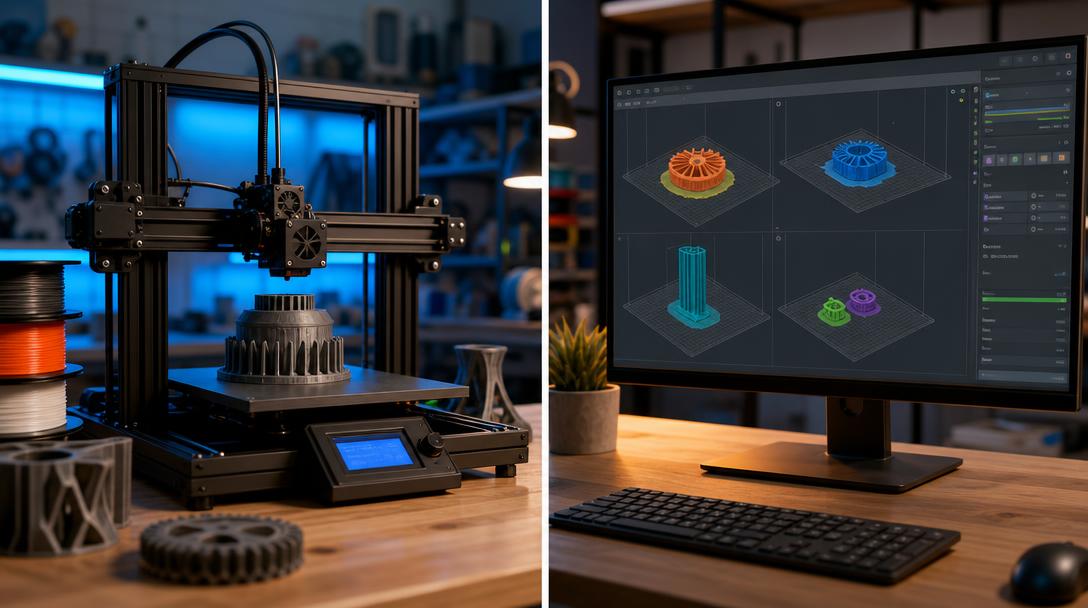
The new interface moves tools to the top section, the model browser to the left, and tool-specific settings to the contextual panel on the right. It also offers a View Cube for camera control, light and dark theme options, and different mouse navigation schemes that may feel familiar to users of Tinkercad, Blender, SolidWorks, or Fusion. Preserving most existing keyboard shortcuts may reduce the transition cost for long-time users.
The favorite settings panel is also a practical detail for daily controls. Instead of opening full settings pages for every print, keeping frequently changed parameters together can save time, especially in workshops working with different material and part profiles. Its real value will be measured less by how the interface looks and more by whether it reduces the need to search for the wrong setting.
Multi-bed and multi-printer logic
One of the most striking aspects of PrusaSlicer 3.0 is the expansion of the multi-bed feature. Each bed can have its own configurable profile, making it possible to visualize different FDM printers and settings within the same window and slice jobs in parallel. Using multiple beds for the same printer can also help keep things organized while preparing several jobs. The removal of the previous version’s nine-bed limit and the local backup of bed profiles look meaningful for users running print farms or order-based production.
This feature does not automatically speed up physical printing. The gain appears more on the preparation, job sequencing, and profile management side. A workshop using multiple machines can reduce the risk of sending a job to the wrong machine by selecting the correct printer and material profile on each bed.
How do multi-tool profiles affect the FDM workflow?
The new profile system focuses on defining printers with different nozzles or print tools within a single profile structure. Instead of forcing the user to switch to a completely different printer profile with every tool change, the goal is to allow nozzle selection from within the profile itself. This approach may help keep settings clearer in FDM systems that use multi-material setups or nozzles of different diameters.
The preset updater also aims to manage offline and local preset sources from a single point. The profile format changing from .ini to .yaml may require advanced users who work manually with files to get used to the new structure. In addition, the secure plugin system aims to let plugins run without access to the disk, data outside the loaded project, or the network. This can be read as an attempt to create a more controlled balance between customization and security; however, its everyday usefulness may remain unclear until the plugin ecosystem grows.
Practical takeaway for Ucuz3D users
The PrusaSlicer 3.0 preview is not a mandatory upgrade for everyone who prints occasionally on a single printer. On the other hand, it is a development worth following for users who prepare prototypes with different printers, slice many parts at the same time, or frequently switch nozzle and material profiles. In the preview version, check profile compatibility, support behavior, first-layer results, and the generated G-code with small test parts.
Do not make your part’s production decision based only on the software version; geometry, layer orientation, and material selection also determine the result. If you need suitable production, you can review the 3d printing service options. Before ordering, you can examine the per-gram pricing logic on the affordable 3d printing prices page and upload your file to the online 3d printing calculation flow. For FDM material selection, the our printing materials page can also be a starting point.




 Türkçe
 العربية
 Русский
 فارسی
فارسی Deutsch