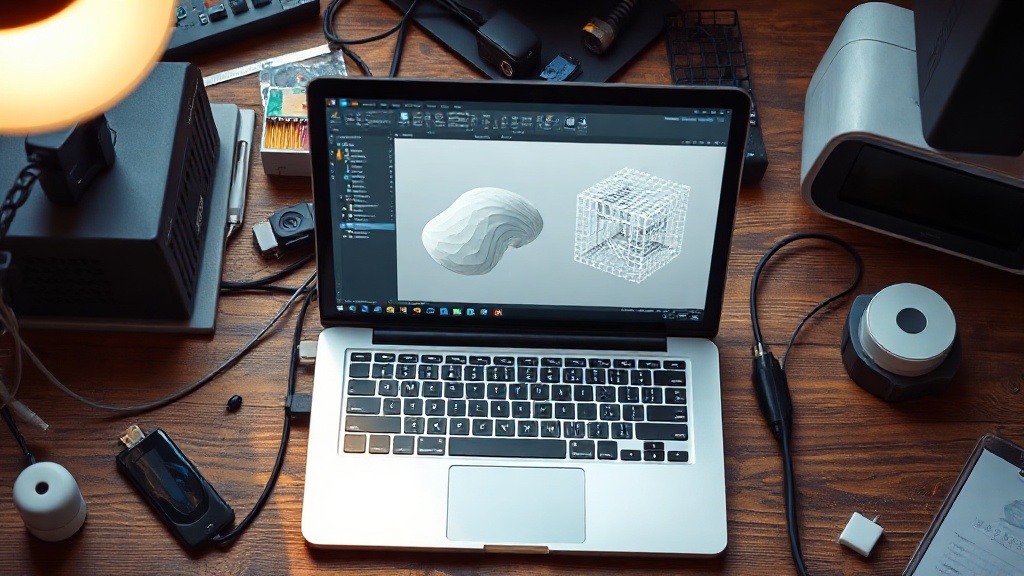
STL Export Settings: Finding the Right Balance Between Surface Resolution and File Size
The fact that a part looks flawless on your CAD screen doesn’t mean it will print smoothly. The secret lies largely in your STL export settings: on one side you have the density of triangles representing the surface, and on the other the file size and processability. Balancing these two extremes is critical for both a clean print and a smooth workflow in your slicing software.
The Two Parameters That Determine Resolution
Most CAD programs offer you two fundamental settings when converting to STL. Understanding them makes everything else straightforward.
- Chord height (deviation tolerance): This is the maximum distance between the true curved surface and the flat triangle representing it. The smaller it gets, the smoother the surface and the higher the triangle count.
- Angular deviation: This is the angular tolerance between adjacent triangles. It especially determines surface quality on curves with small radii.
Practical Values
Since the nozzle diameter in FDM printing is typically 0.4 mm, micron-level resolution is usually wasted — the printer simply cannot reproduce that level of detail. As a general starting point, you can try the following:
- Deviation tolerance (chord height): 0.01 – 0.05 mm is sufficient for most functional parts.
- Angular deviation: 5 – 15 degrees gives a balanced result.
- For display or decorative parts, lower the tolerance; for mechanical brackets, keeping it loose keeps the file size small.
Faceted Surfaces and Bloated Files
If you leave the settings too loose, cylinders turn into polygons and curves appear as stepped facets. If you set them too tight, you end up with files several hundred megabytes in size — these slow down the slicer and can sometimes even cause geometry errors. The goal is to produce a surface just slightly better than what the printer can resolve, and stop there.
Final Checks Before Exporting
Before saving the STL, make sure the unit is set to millimeters and that the model is watertight (manifold). Open edges, reversed normals, or intersecting surfaces will produce unexpected results in the slicer. Whenever possible, prefer binary STL format; it produces much smaller files than ASCII.
Once your file is ready and you’d like to move on to printing, you can send your model and get a quote through the quick order form. Files prepared with correct export settings print more cleanly and speed up the entire process.



 Türkçe
 العربية
 Русский
 فارسی
فارسی Deutsch