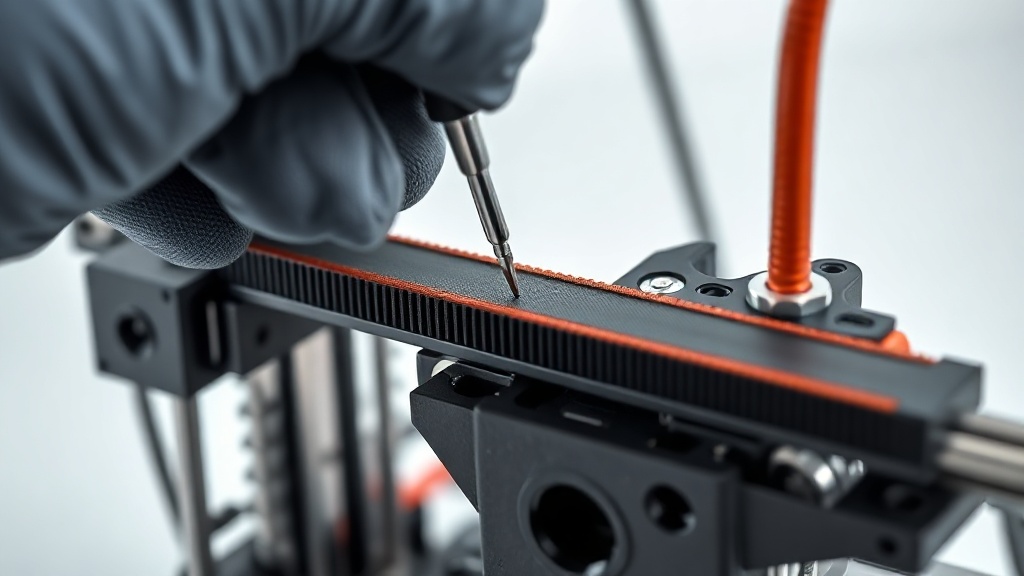
How to Check Belt Tension?
The GT2 belts that drive the X and Y axes are the foundation of print accuracy. A loose belt causes layer shifting, ringing (ghosting artefacts at corners), and dimensional errors. An overly tight belt, on the other hand, wears out the motors and bearings.
Quick test: pluck the belt at its midpoint — it should produce a firm, guitar-string-like twang. A dull, slack sound means insufficient tension. Both axes should have matching tension; a noticeable difference will cause circles to print as ovals.
On modern printers, belt tensioners allow adjustment with a single screw. After adjusting, print a 20 mm test cube and verify the X-Y dimensions with a caliper. Belts are consumables — do not try to repair a cracked or skipped-tooth belt; replace it.



 Türkçe
 العربية
 Русский
 فارسی
فارسی Deutsch