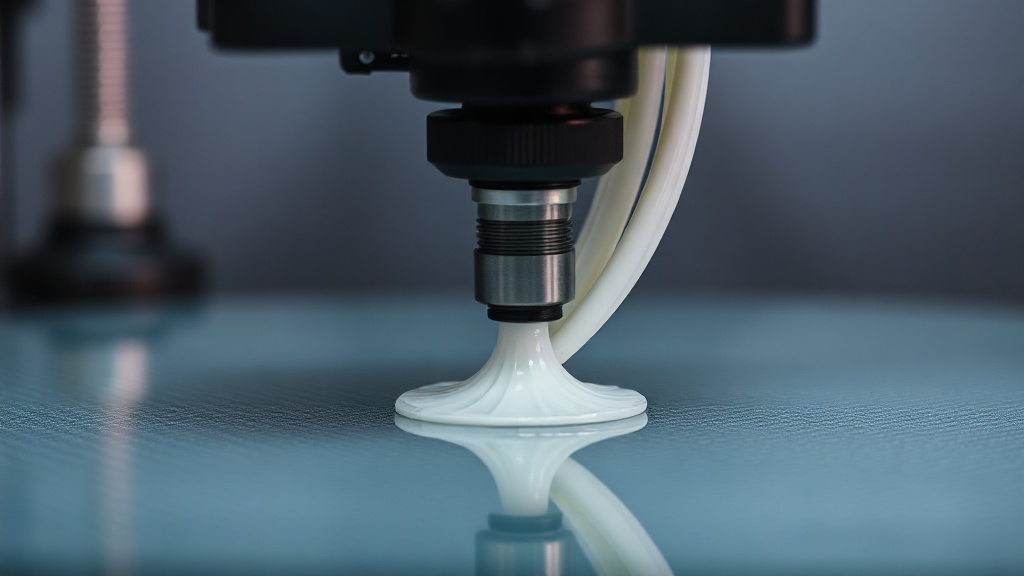
First Layer Settings: The 5 Most Critical Parameters for Bed Adhesion
Whether an FDM print will succeed is often decided within the very first seconds. The first layer setting forms the foundation of the entire print; if this layer doesn’t adhere to the bed, the hundreds of layers on top of it become meaningless. The vast majority of failed prints we’ve seen in our workshop over the years stem not from some advanced issue, but from overlooked first-layer parameters. Below, we cover the five critical settings that directly affect adhesion.
1. Distance Between the Nozzle and the Bed
The most important factor determining first-layer quality is the distance between the nozzle and the bed. If the gap is too large, the filament floats without sticking; if too small, the material gets crushed and the nozzle can clog. When set correctly, the first-layer lines appear slightly flattened but touching one another.
2. First Layer Height
Printing the first layer slightly thicker than normal layers improves adhesion. A range of 0.2–0.3 mm is generally recommended, as it tolerates small surface irregularities and leveling errors on the bed, creating a more solid foundation.
3. First Layer Speed
Rushing is the most common mistake made on the first layer. A slower speed gives the molten filament time to settle on the surface and spread before cooling.
- Recommended speed: Approximately 30–50% of your normal print speed.
- Typical value: Around 15–25 mm/s is generally safe.
- Tip: For parts with a wide footprint, it helps to lower the speed a bit further.
4. Nozzle and Bed Temperature
Temperature varies by material. For PLA, a bed temperature of 55–60 °C is usually sufficient, while materials such as PETG or ABS require a higher bed temperature. Raising the nozzle temperature by a few degrees on the first layer improves filament flow and surface adhesion.
5. Flow Rate and Line Width
Slightly increasing the flow rate on the first layer closes the gaps between lines, resulting in a denser and more solid base. Setting the line width slightly above the nozzle diameter also expands the adhesion surface.
When you balance these five parameters according to your material, the vast majority of warping and deformation issues disappear. If you’d prefer to receive high-quality, trouble-free prints without having to fine-tune your own printer, you can send us your project through our quick quote page.
A correctly calibrated first layer makes the rest of your print go much more smoothly — and you can leave the rest to us.


 Türkçe
 العربية
 Русский
 فارسی
فارسی Deutsch