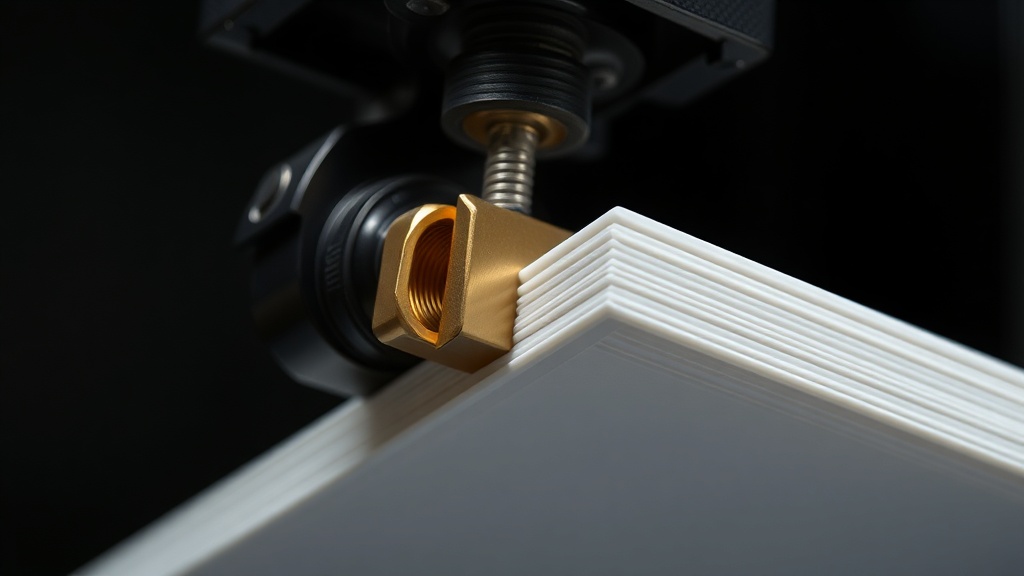
How to Set Up Linear Advance in Cura? The Setting That Eliminates Corner Blobs
If your prints look flawless on flat surfaces but show small blobs, over-extrusion, or gaps at corners, there is a well-known cause. One of the most effective ways to fix this is to correctly configure the Cura linear advance feature. In this article we explain step by step what the setting does and how to calibrate it.
What exactly does Linear Advance do?
In FDM printers, filament flows under a certain pressure as the nozzle moves. When the printer slows down at a corner, that pressure doesn’t drop immediately, causing excess material to ooze out. When it accelerates, the pressure builds up too slowly, resulting in under-extrusion. Linear Advance compensates for this delay by proactively adjusting extruder pressure relative to speed. The result is sharper corners and less oozing.
How to enable it in Cura
This feature doesn’t come as a ready-made slider in Cura; you need to add it via a plugin. The general workflow is as follows:
- Install the Linear Advance Settings plugin from the Marketplace section.
- Restart Cura and type “Linear Advance” in the settings search box to make the relevant field visible.
- Make sure your printer’s firmware supports this feature (Marlin typically uses the M900 command).
- Enter a small number as the starting K value and calibrate with test prints.
Finding the correct K value
There is no single magic K value for Linear Advance; the correct value depends on your printer, your filament, and your print speed. The most reliable method is a calibration test. You print a test pattern that tries different K values on a single piece, then select the value that produces the cleanest corners. Generally, lower values work for PLA, while flexible filaments require higher values.
Common mistakes
There are a few traps that most people fall into on the first attempt. Avoiding them will noticeably improve your print quality:
- Sending the command without checking firmware support
- Trying to use a single K value for every filament
- Not evaluating it alongside retraction settings
- Entering a value that is too high and causing under-extrusion
When dialed in correctly, Linear Advance is a small but powerful feature that eliminates corner blobs and gives your prints a professional look. If you’d rather skip the calibration hassle and get quality prints ready-made, you can easily request a quote from our quick order page.
Share your model and we’ll deliver clean, sharp-cornered results — no calibration required on your end.



 Türkçe
 العربية
 Русский
 فارسی
فارسی Deutsch