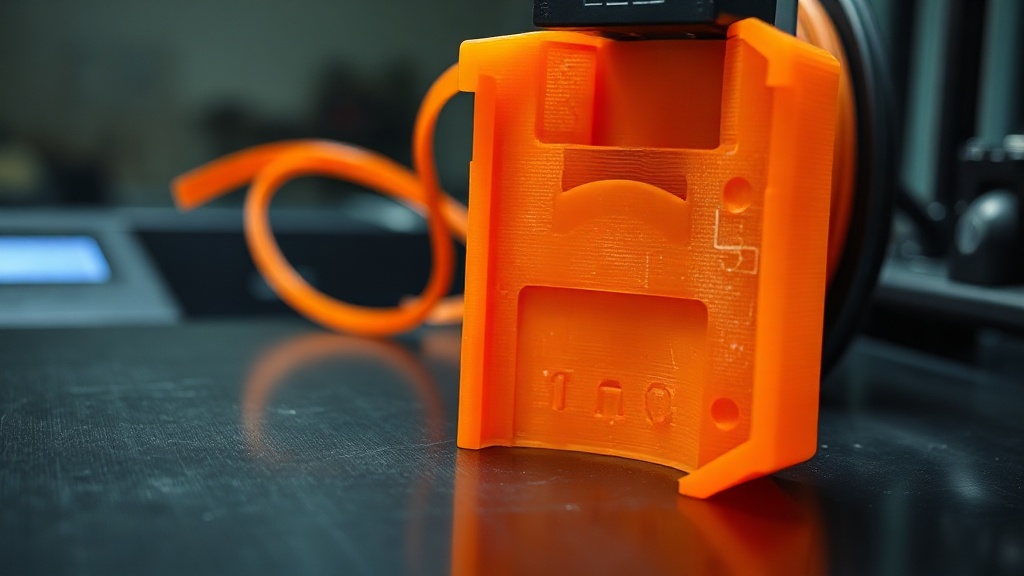
Gaps and Under-Extrusion Problems in 3D Printing
Under-extrusion occurs when your printer deposits less plastic than it should: you see gaps between layers, weak walls, and spongy infill. The part ends up both unsightly and structurally weak.
Possible causes and the order to check them: partially clogged nozzle (most common), wet or inconsistent-diameter filament, worn or dirty extruder gear, loose extruder spring tension, printing temperature too low, a tangled or knotted spool, worn PTFE tube.
Systematic troubleshooting: start by trying fresh, dry filament; if the problem persists, clean the nozzle, then service the extruder. E-step calibration — confirming that a 100 mm command actually pushes 100 mm of filament — is also a fundamental verification step.

Recent Posts


 Türkçe
 العربية
 Русский
 فارسی
فارسی Deutsch